Better Car Bottom Shadow 1.0


![Diamond Vision (NVE and VisualV ReShade Preset) [FiveM]](https://img.gta5-mods.com/q75-w500-h333-cfill/images/csyon-reshade-preset-remake/3cc0b6-Diamond_Banner.png "Diamond Vision (NVE and VisualV ReShade Preset) [FiveM]")


1.222
34
1.222
34
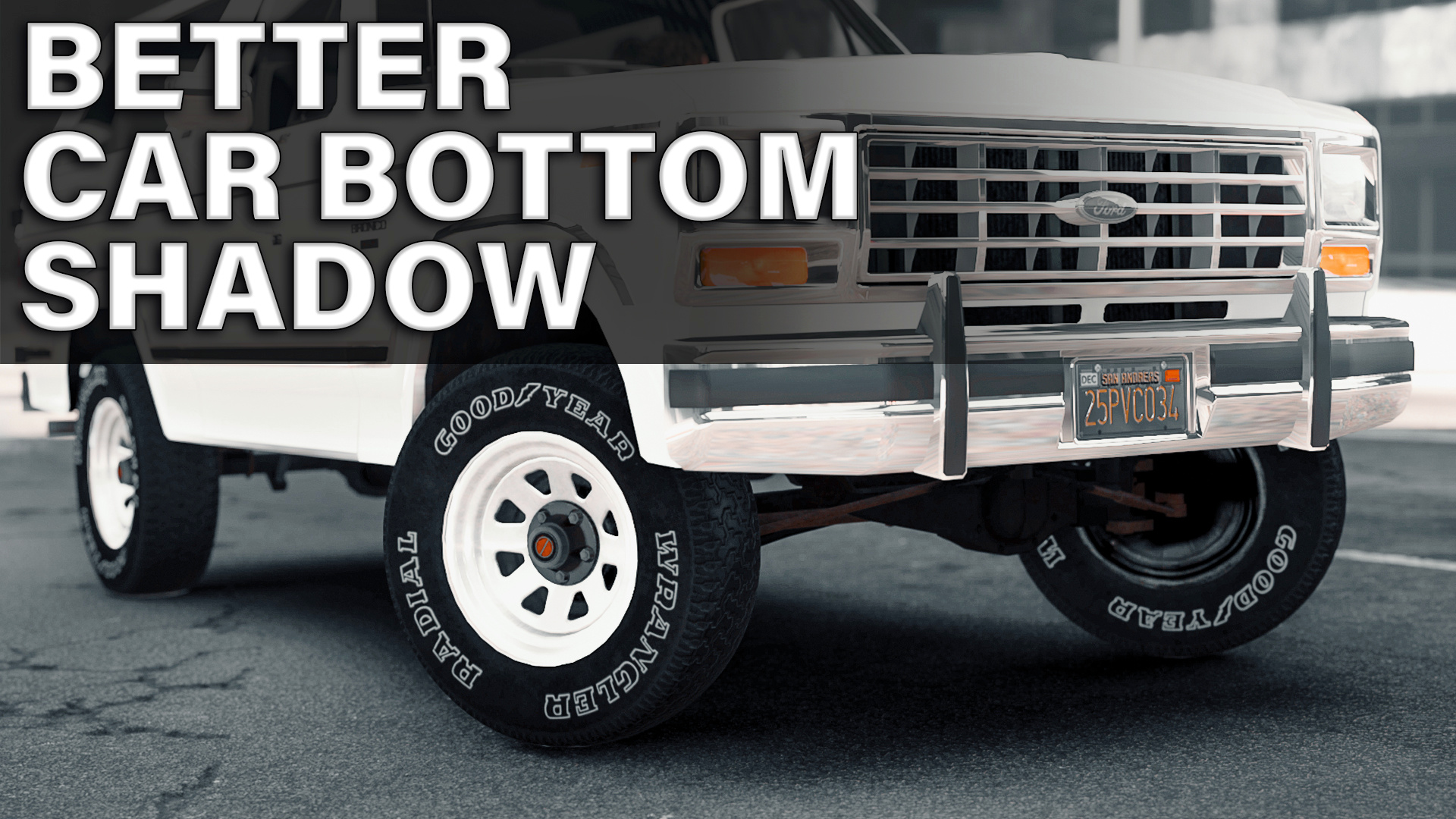
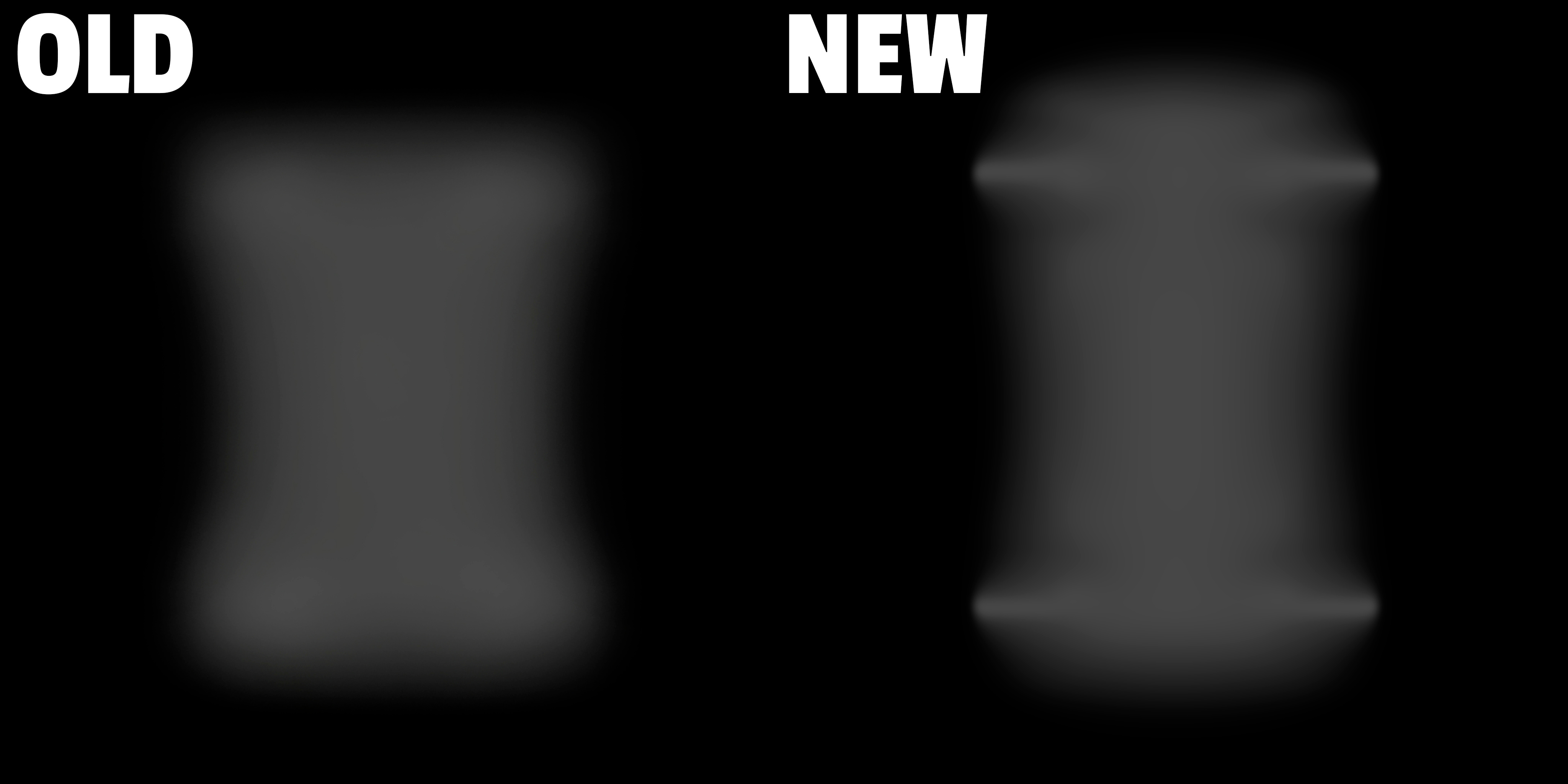
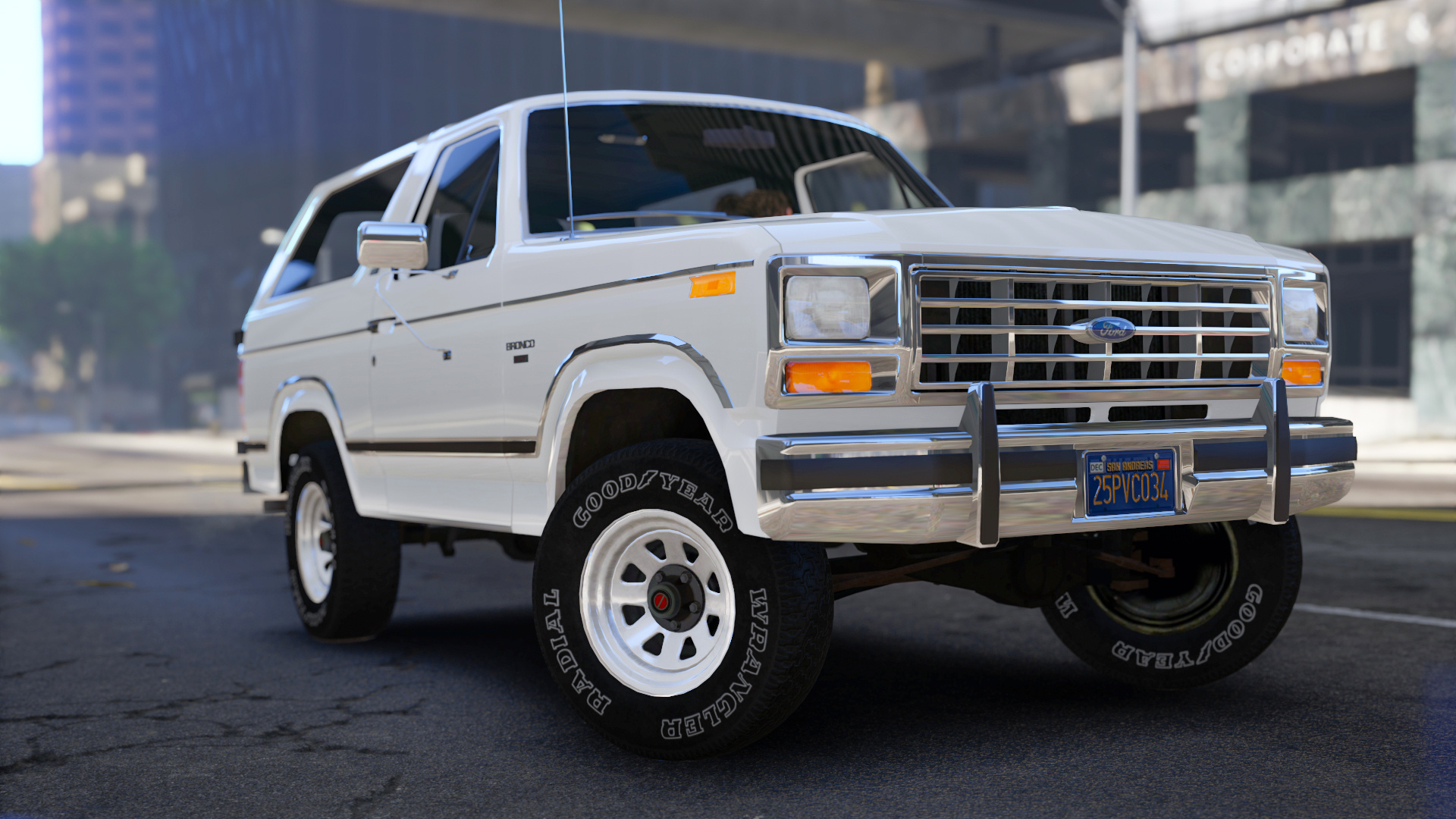
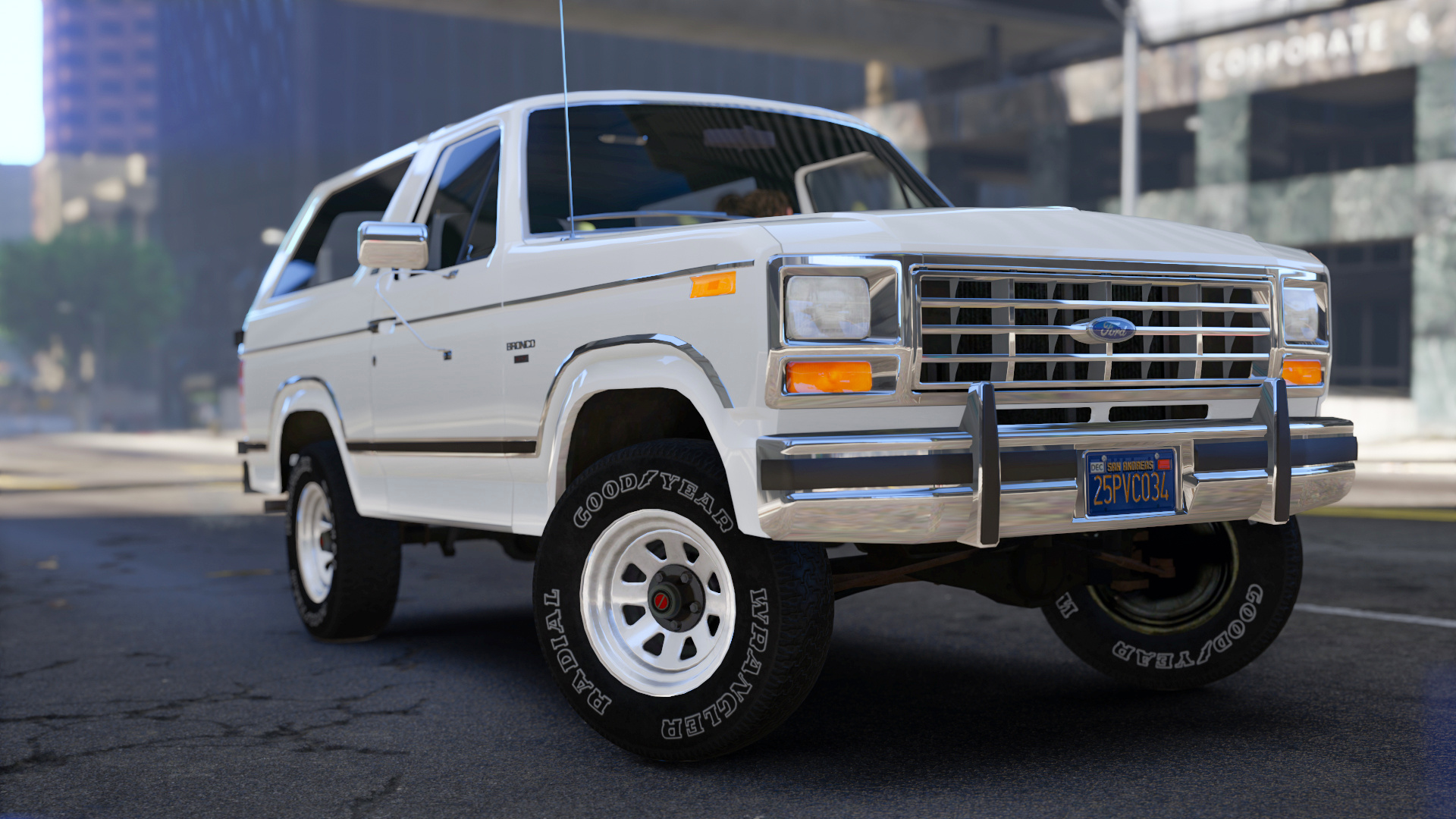
Better Car Bottom Shadow
made by mrch
Installation (mods folder):
1. Start OpenIV.
2. Go to: "GTAV/mods/update/update.rpf/x64/textures".
3. Switch to Edit Mode.
4. Open "graphics.ytd".
5. Select "Import" in top left corner and navigate "carbottom.bmp" file from the archive or just drag and drop it.
6. Accept with automatic MipMaps and Compression.
7. Press "Save" in right bottom corner.
8. Close OpenIV. Done!
made by mrch
Installation (mods folder):
1. Start OpenIV.
2. Go to: "GTAV/mods/update/update.rpf/x64/textures".
3. Switch to Edit Mode.
4. Open "graphics.ytd".
5. Select "Import" in top left corner and navigate "carbottom.bmp" file from the archive or just drag and drop it.
6. Accept with automatic MipMaps and Compression.
7. Press "Save" in right bottom corner.
8. Close OpenIV. Done!
Carregat per primera vegada: 18 de Maig de 2022
Actualització més recent: 18 de Maig de 2022
Últim descarregat: Fa 7 hores
4 Comentaris
Better Car Bottom Shadow
made by mrch
Installation (mods folder):
1. Start OpenIV.
2. Go to: "GTAV/mods/update/update.rpf/x64/textures".
3. Switch to Edit Mode.
4. Open "graphics.ytd".
5. Select "Import" in top left corner and navigate "carbottom.bmp" file from the archive or just drag and drop it.
6. Accept with automatic MipMaps and Compression.
7. Press "Save" in right bottom corner.
8. Close OpenIV. Done!
made by mrch
Installation (mods folder):
1. Start OpenIV.
2. Go to: "GTAV/mods/update/update.rpf/x64/textures".
3. Switch to Edit Mode.
4. Open "graphics.ytd".
5. Select "Import" in top left corner and navigate "carbottom.bmp" file from the archive or just drag and drop it.
6. Accept with automatic MipMaps and Compression.
7. Press "Save" in right bottom corner.
8. Close OpenIV. Done!
Carregat per primera vegada: 18 de Maig de 2022
Actualització més recent: 18 de Maig de 2022
Últim descarregat: Fa 7 hores
 5mods on Discord

We need more stuff like this !
looking good
Is there any performance drops for using this?
@Trancenath91 no. Its only texture